- Inbound to the agent: the lead's name, number, source and any context.
- A lead event from a form or ad can start a call within seconds, and a finished call can send its result back to your system.
- Duplicates are the common failure.
- Send five test leads through the whole loop.
- Events can fail: a system is down, a field is missing.
Decide what flows each way
Inbound to the agent: the lead's name, number, source and any context. Outbound from the agent: outcome, summary, captured fields and the next action. Write both lists down before you build anything.
Use webhooks where you can
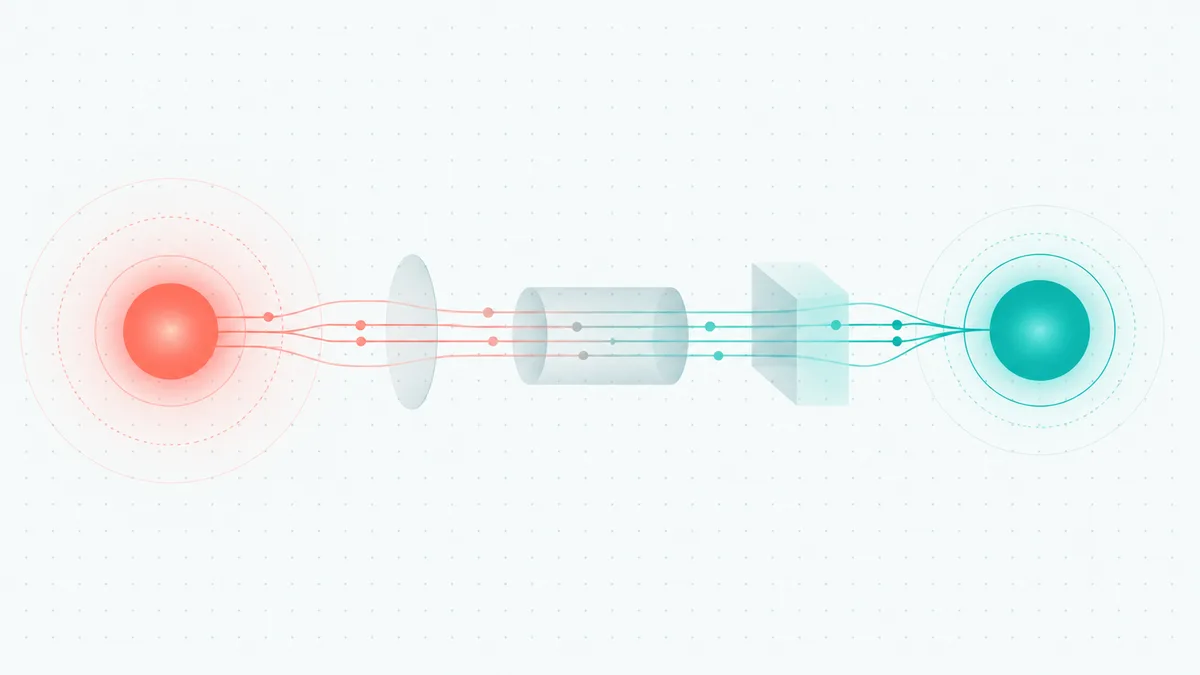
A lead event from a form or ad can start a call within seconds, and a finished call can send its result back to your system. Both are webhooks, and they replace copy-and-paste.
Check the current integration options for your CRM, and where none exists, a webhook or an exported file usually covers it.
Match records carefully
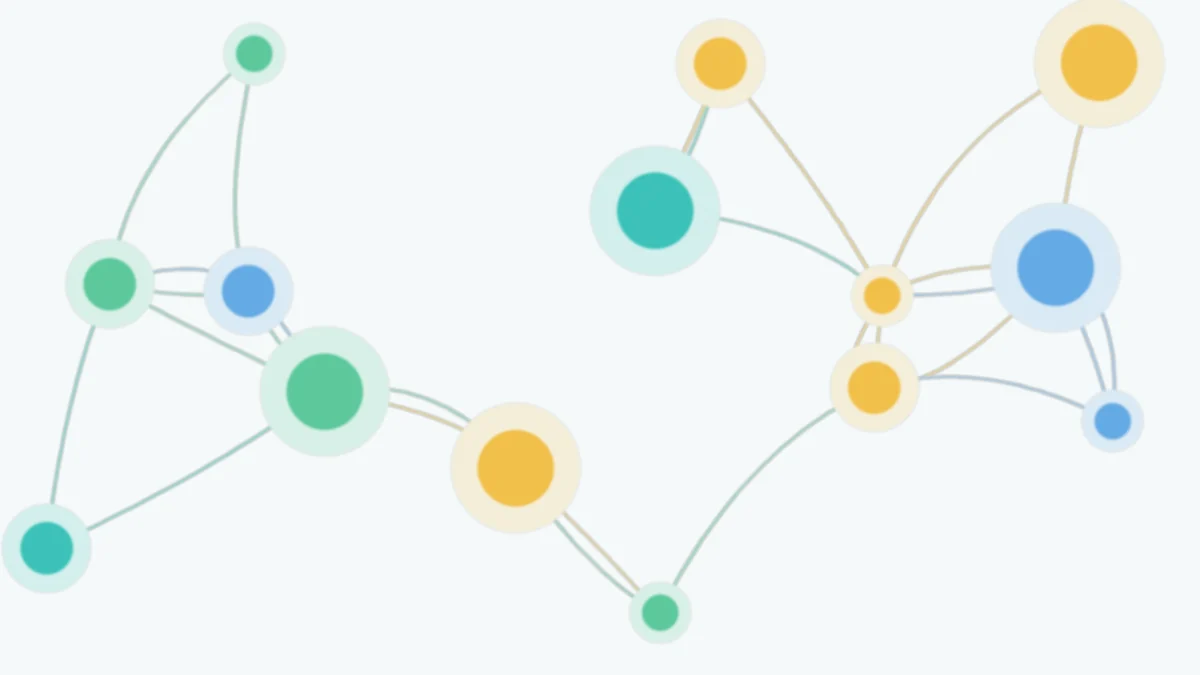
Duplicates are the common failure. Decide which field identifies a person, usually the phone number in a standard format, and how to merge repeat enquiries.
Test with a handful first
Send five test leads through the whole loop. Check that the call happened, the outcome came back, and the record updated once, not twice.
Watch failures
Events can fail: a system is down, a field is missing. Decide how you will notice and retry. A silent failure means leads that were never called.